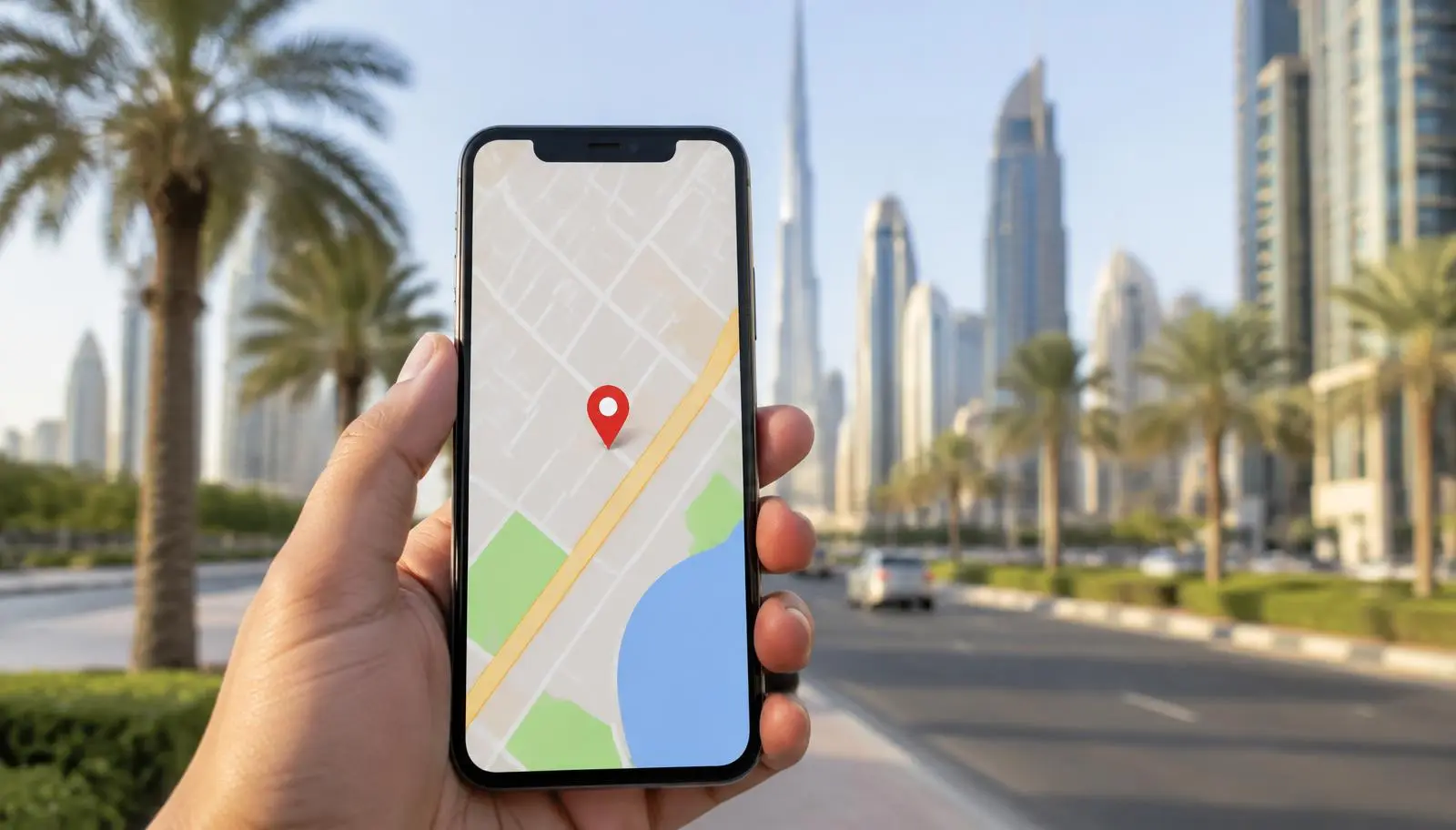
How to Set Up a Google Business Profile in Dubai
Who can have a profile
Google's guidelines describe two kinds of eligible business: businesses with a staffed location where customers can visit, and service-area businesses that travel to customers. A service-area business should have one profile and list the areas it serves. A business that does both, for example a garage with a workshop that also offers mobile repair, can show its address and its service area. PO boxes and remote mailboxes are not accepted as an address. Virtual offices are not eligible. A shared or co-working space is only accepted if the business has its own signage, customers can meet staff there and it is staffed during the stated hours.
Business name rules
Your profile name should be the name your customers already know. Follow these rules:
- Use the name customers see on your signage, website and stationery
- Do not add keywords, taglines, services or the city to the name
- Keep the English and Arabic name consistent with your trade licence and website
- Do not use a different name on each platform
A name stuffed with keywords can lead to edits by Google or to a suspended profile.
Step by step setup
- Sign in with a Google account the business will keep.
- Search for your business to avoid a duplicate.
- Enter the exact business name.
- Choose the primary category that best describes the main service.
- Enter the address or service area.
- Add a phone number and the website address.
- Add hours, including holiday hours.
- Start verification.
Verification
Video verification
Google describes video verification as a continuous, unedited video of at least 30 seconds recorded on a mobile phone through the profile. Show the location from outside, the signage, the area where you work, and proof that you manage the business such as equipment or a staff entrance. Reviews usually take up to 5 business days according to Google, and if it is not approved you can open Review issues and record again.
Postcard and other methods
Some profiles are offered a postcard, a call, text or email instead. Postcards often take around two weeks, though timing varies and is not guaranteed, and Dubai addresses without a standard street address can be slower, so use video if it is offered.
Common reasons verification fails
The video is cut or edited; the signage does not match the name; the location looks like an office with no staff; the address is a mailbox or virtual office; a different business is listed at the same address.
Writing a Dubai address that works
Many Dubai addresses have no standard street number, so the details you add matter:
- Write building name, floor and unit number in the address lines
- Add the area and emirate
- Place the map pin at the real entrance, not the middle of the building
- Check that the pin matches your website footer
- If useful, add a landmark in the description
Makani or Onwani numbers can help customers find the entrance, but they are not a replacement for the address. Google may show the address differently from how you typed it, so check how it appears.

Categories, services and description
These fields tell Google and customers what you do:
- Choose one primary category and a few secondary ones that are true
- Add services with short descriptions (custom service text is limited to 120 characters)
- The business description allows up to 750 characters, should describe what you do and where, and should not include links, phone numbers or promotions
- Write the description for customers, not as a keyword list
Photos, hours and posts
A complete, current profile gives customers a reason to visit or call:
- Add real photos of the entrance, interior, team at work and finished work, avoiding stock images and photos with unrelated text
- Keep opening hours accurate, including Ramadan and Eid hours
- Post updates when you have something real to say, such as a new service or a changed opening time
Reviews: what you can and cannot do
Reviews follow Google's policies, and breaking them can cost you the reviews or the profile:
- You can ask all customers for a review and share a direct link
- Do not offer money, discounts or gifts for reviews
- Do not ask only happy customers (review gating)
- Do not script the wording or the star rating
- Reply to reviews politely, in the language the customer used, and never argue
- Report fake reviews through Google instead of replying with accusations
Mistakes that cause suspension
- A name with extra keywords
- A virtual office or PO box address
- Changing the name or address often after verification
- Creating more than one profile for the same location
- Using a phone number or website that belongs to another business
- Fake reviews
After verification checklist
- Confirm name, address, phone and website match your site
- Add all hours
- Choose categories
- Add services and description
- Upload at least ten real photos
- Link your website and use consistent details in the footer
- Set up LocalBusiness structured data on your website
- Add tracking so you can see calls and website clicks separately
- Ask your first customers for reviews
- Check the profile once a month
Connecting your profile to your website
The profile and the website should show the same name, address and phone number. Add LocalBusiness structured data and a contact page with a map. A profile helps people find you on Maps, and the website gives them the detail to decide. Our Google Business Profile service covers the profile, and our work on local search connects it to your website.
Frequently asked questions
Can I use a PO box for my Google Business Profile?
No. Google does not accept PO boxes or remote mailboxes as a business address. Use the real location, or set up as a service-area business if customers do not visit you.
Can I list a virtual office in Dubai?
Google says virtual offices are not eligible. A shared space can work only if it has your signage, you meet customers there and it is staffed.
How long does verification take?
Google says video reviews usually take up to 5 business days. Postcards and other methods vary, so allow a couple of weeks and do not request again too soon.
Do I need a website to have a profile?
No, but a website helps customers decide and gives Google a second source for your name, address and services.
Can I add keywords to my business name?
No. The name should match your real-world name, and extra keywords can lead to edits or suspension.
Can I pay for reviews?
No. Google's policies do not allow reviews in exchange for payment or gifts, and fake reviews can be removed and the profile suspended.
Sources
- Google Business Profile representation guidelines
- Google video verification help
- Google review policy help
Google policies change. Check the linked pages for the current rules.
This article is general information, not legal advice.